
1.5 Command Line Tools
This enhancement is only available in KiyoCRM from version 7.11 onwards.
KiyoCRM’s Elasticsearch integration ships with two useful command-line tools powered by Robo.
These two commands allow to perform indexing and searches from the command-line, making debug and integration with external tools easier.
These commands require a working connection to the database, if you are running KiyoCRM behind Docker or a VM, please execute them from a shell on the same host as the KiyoCRM web server.
elastic:index
The elastic:index command allows to run an indexing from the command-line and see the step-by-step logs. Both partial and full indexing are supported.
Usage
elastic:index [<differential> = 1]Examples
Running a full indexing:
vendor/bin/robo elastic:index 0Running a partial indexing:
vendor/bin/robo elastic:index 1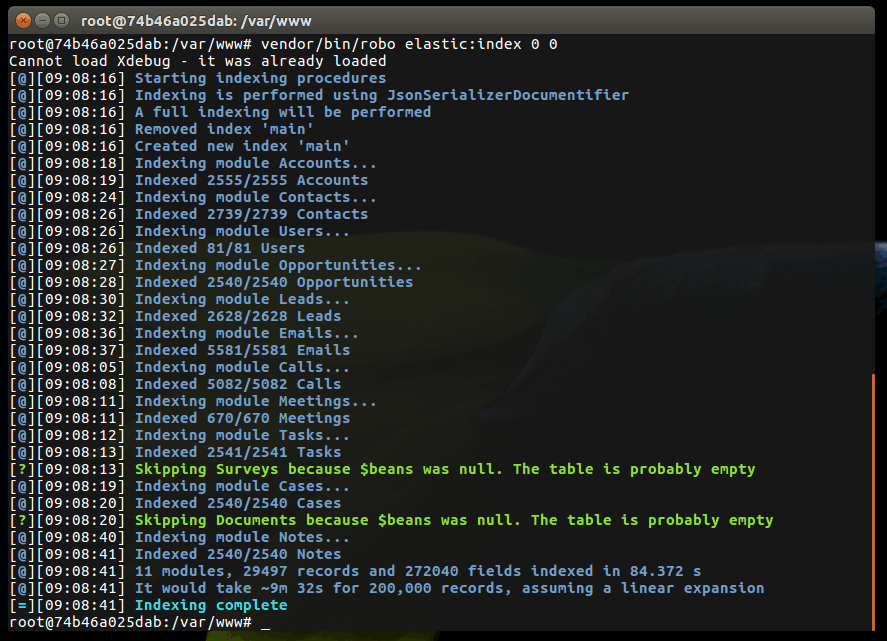
elastic:search
The elastic:search command allows you to perform the same kind of queries you would do from the search bar directly from the CLI. It also allows to return a JSON with additional data about the record.
Usage
elastic:search <query> [<size> = 20] [<showJson> = false]You can use the full query syntax for query argument.
The size option specifies the number of results.
When the showJson option is enabled, a JSON will be returned for each result
Examples
Search for everything using the keyword 'Rohan':
vendor/bin/robo elastic:search "rohan"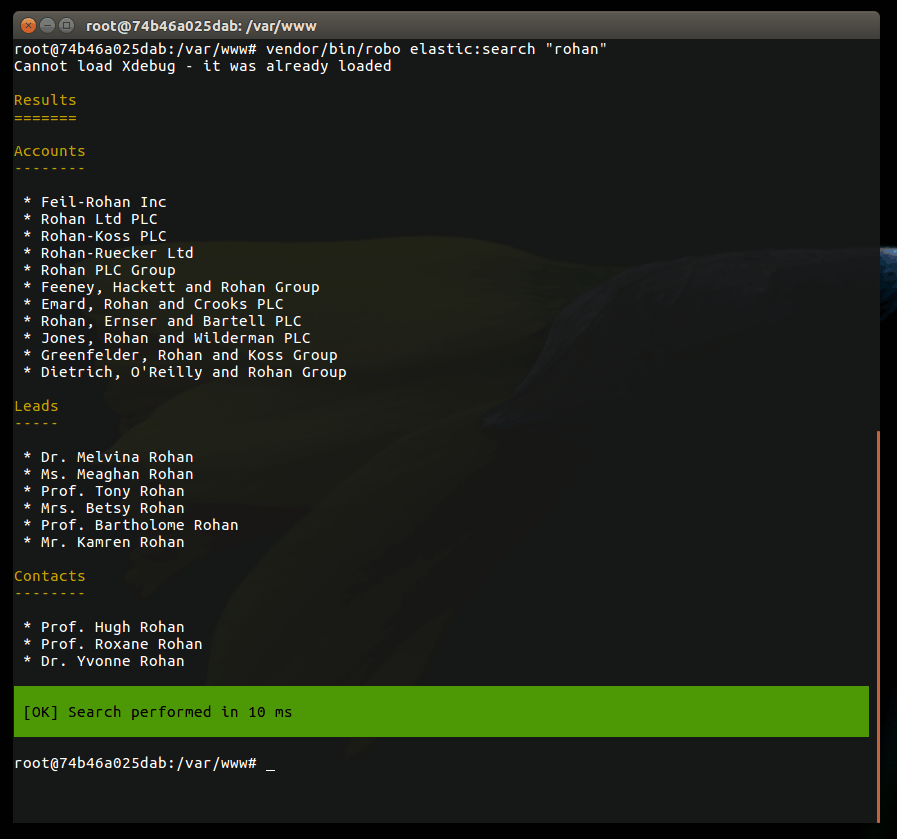
Search for the first account named 'Maxwell' and show a JSON:
vendor/bin/robo elastic:search "_type:Accounts AND named:Maxwell" 1 true