
Sales Module Settings
AOS Settings
The Advanced Open Sales suite of modules allow you to manage the post-Opportunity Sales processes such as Quoting, Invoicing and recurring Contracting.

You can customize the following settings within the AOS Settings:
-
Renewal Reminder Period This defines how many days before the Contract End Date that a reminder call should be created.
-
Initial Invoice Number Allows users to set the initial invoice number. For example 20001.
-
Initial Quote Number Allows users to set the initial quote number. For example 456.
-
Enable Line Items Groups If selected then users will be able to bundle line items into groups. If this is not selected then you will not be able to use the AOS Group functionality.
The Enable Line Item Groups setting should be selected before using AOS. It is difficult to migrate from/to groups once Quotes/Invoices have been created.
-
Add Tax to Line Total If this is selected then the Tax will be added into the Line Total on Line Items. If this is not the selected the Line Total will not include Tax.
Once configured, click Save to apply your AOS Settings.
AOD Settings
Enable or disable KiyoCRM's full text global search here.
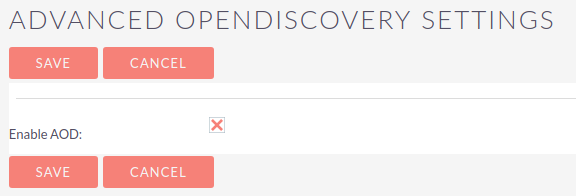
The full text global search is powered by Zend Lucene search framework. The search works very similar to the standard global search but provides the enhanced functionality of searching text in documents and other files, compared to the record-level search provided by the standard global search.
AOP Settings
Here you can enable or disable the Advanced Open Portal functionality, configure the Joomla URL, set the case distribution method, the 'from' name and email address and configure the email templates.


Business Hours
Specify business working hours here.
These settings will determine when workflows set to run 'Only In The Scheduler' will run and will be used when "Consider Working days" is set on Project records.
