Product Manager
You can create brands, categories and products from Product Manager menu. All these are common for every warehouses/stores. But for products opening stock, purchase price, sales price tax, custom fields, wholesale price are different for each warehouse/store.
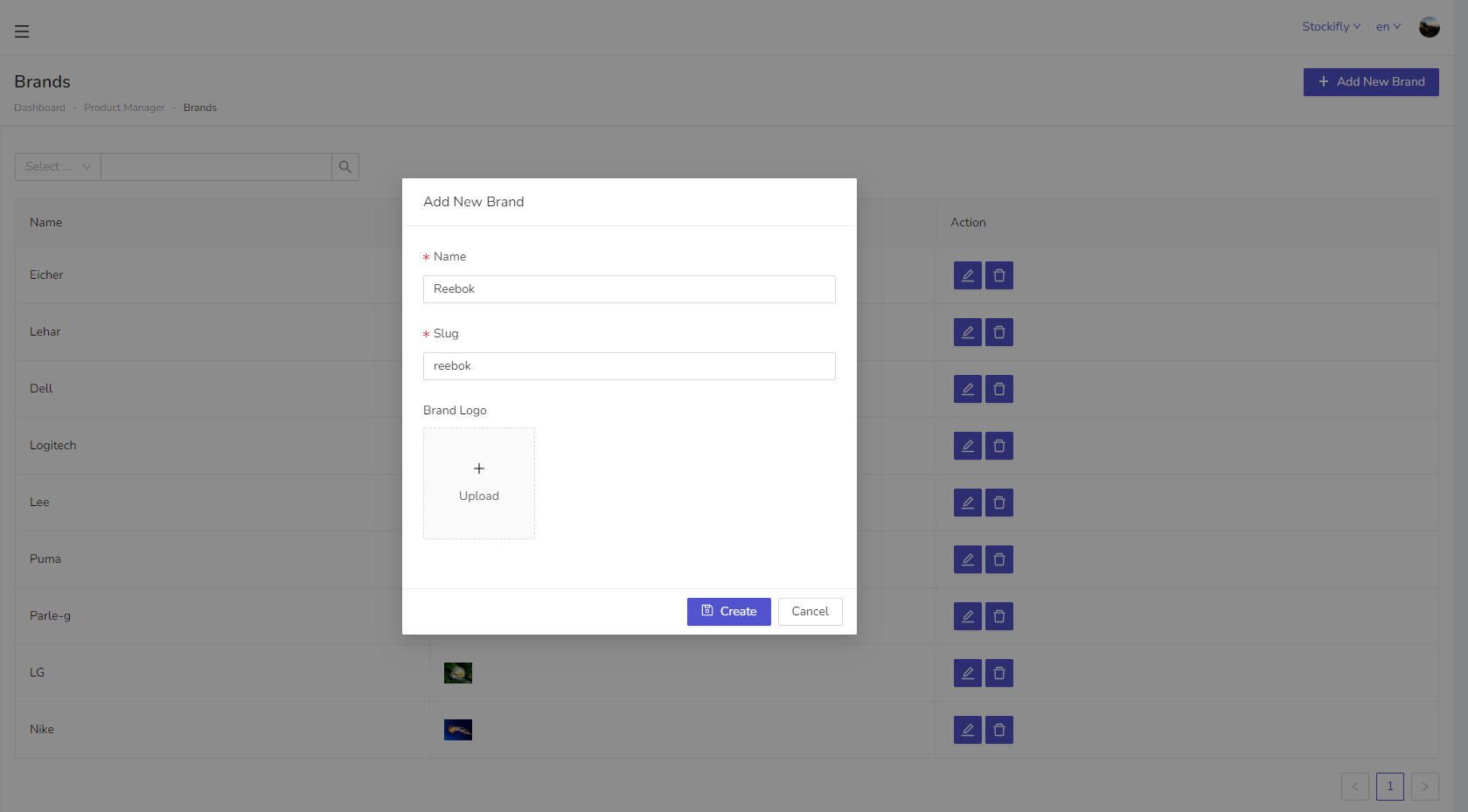
Slug are used in the query parameter. So, leave it same as auto generated until you don't know about it.
Brands
Brands are common for all warehouses/stores. You can create brands from Product Manager → Brands menu.
Categories
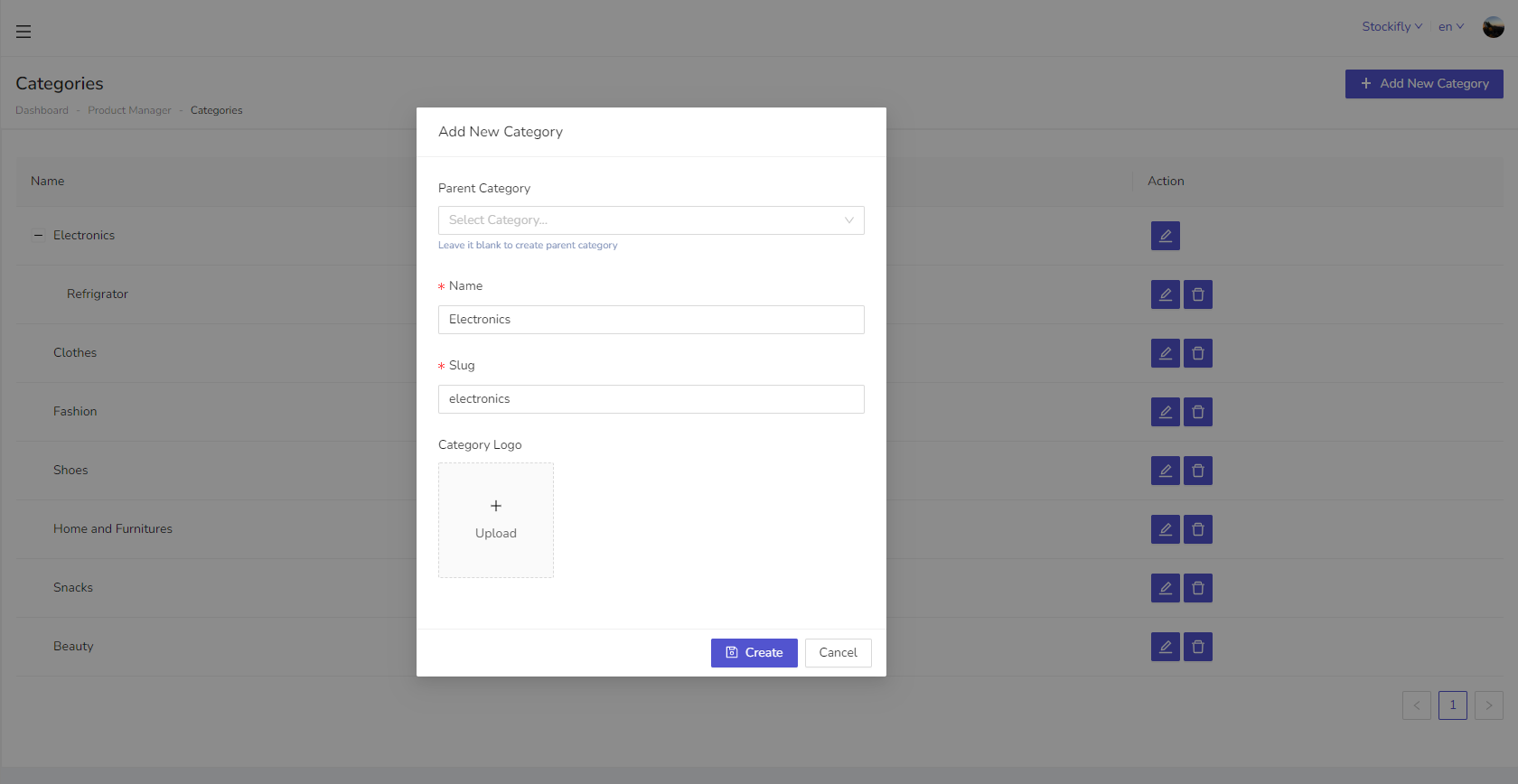
Categories are also common for all warehouses/stores. You can create brands from Product Manager → Categories menu.
- If you want to create root category, then parent category will be empty.
- If you want to create a subcategory then select parent category from dropdown in which you want to assign that subcategory.
Products
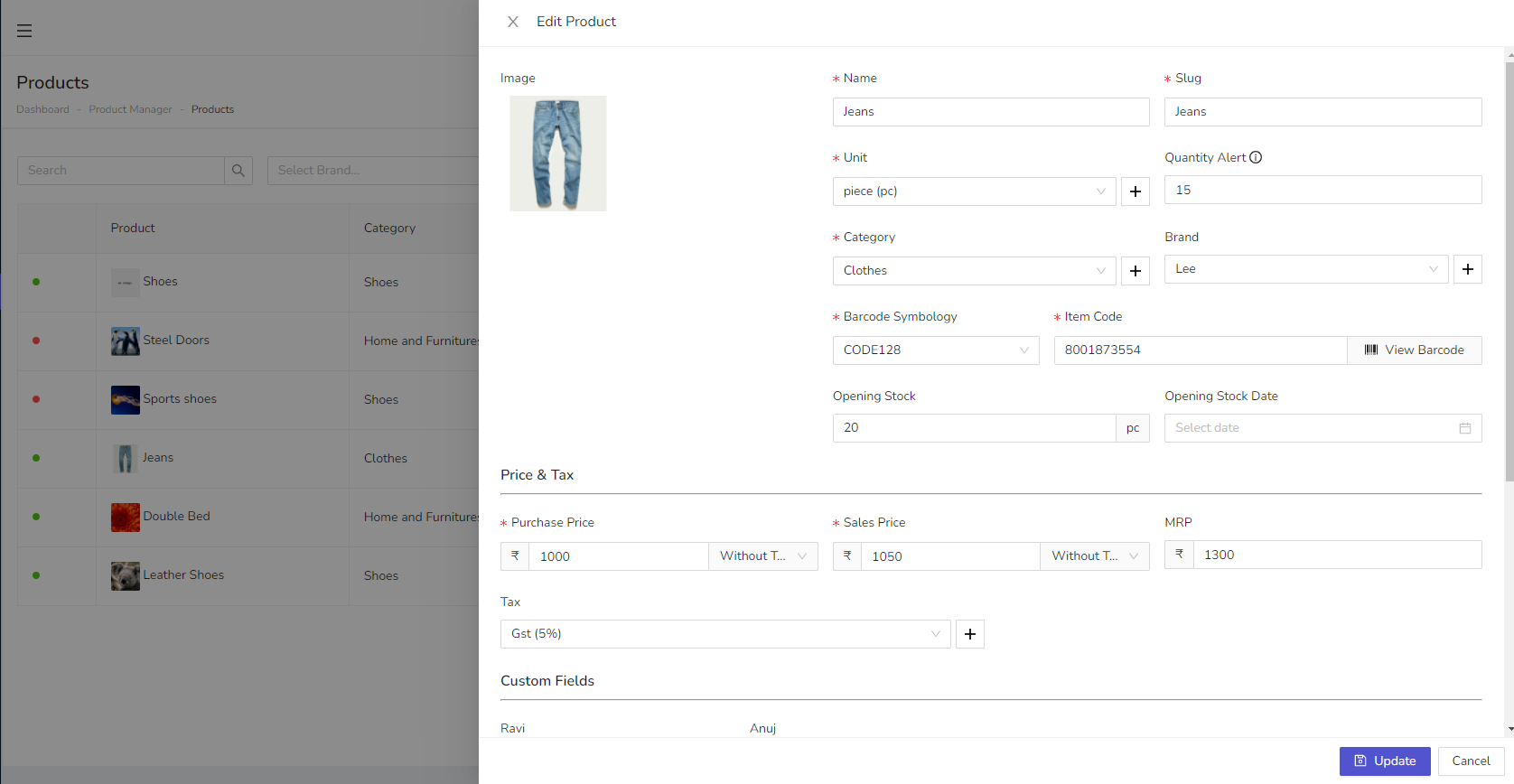
Products are also common for all warehouses/stores. You can create brands from Product Manager → Products menu. opening stock, purchase price, sales price tax, custom fields, wholesale price are different for each warehouse/store. These are fields which are used in creating products:
- Barcode Symbology
- Item Code - barcode id for creating product
- Opening Stock - If your store has some previous quantity than you can add it here
- Quantity Alert - After this quantity if your stock less then it will show out of stock.
- Besides these you can enter name, slug, category, brand, purchase, sales, Mrp, custom fields.